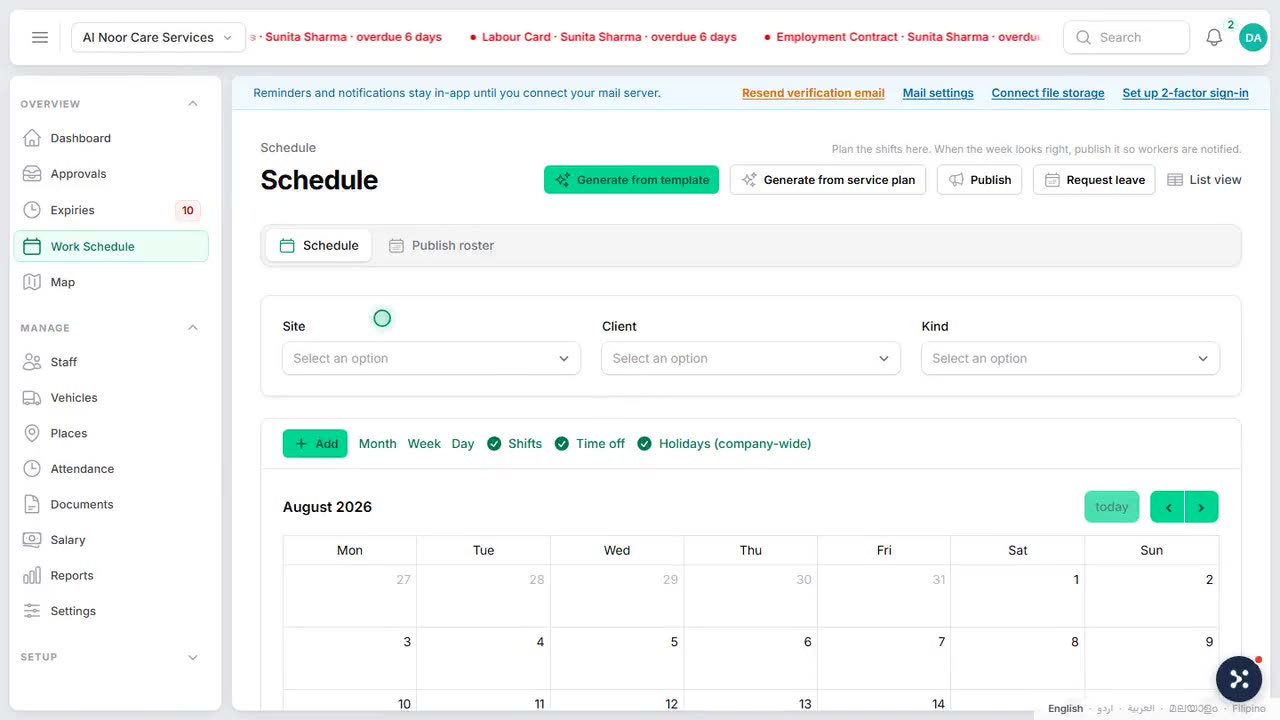
People search: how do i create a shift schedule
Ten minutes apart on paper, forty on the road
On the sheet the two visits were adjacent rows. On the road one was in Musaffah and the next in Khalifa City, and we had given the team fifteen minutes to make it.
On paper the two client visits were ten minutes apart, because on paper they were adjacent rows in a spreadsheet. On the road, one was in Musaffah and the next was in Khalifa City, and the schedule had given the team fifteen minutes to cover it.
The client got an apology call. The team got the blame for a plan they never made. And the scheduler got a map, because the real mistake was ours: we had been planning a city's worth of movement in a tool that did not know where anything was.
A schedule that ignores geography is not a plan. It is a wish with timestamps.
If it has already happened
-
Put tomorrow's jobs on an actual map. Ten minutes with pins beats an hour of apology calls. The impossible pairs become obvious at a glance.
-
Add real travel margins between sites. Use the drive time the road actually takes at that hour, not the optimism the spreadsheet allows.
-
Rebook the pairs that cannot work. Calling a client the day before to move a slot is a plan. Calling them mid-morning from the road is an apology.
What the fix looks like
We stopped trusting schedules that did not know where anything was. Clients and sites belong on a real map, and the day should be planned by looking at where the work actually is, in the order the roads allow.
How we solved it in ValiCrew
In ValiCrew clients and sites sit on a live map. You place a client where they live, describe the service they need, and build the day geographically, so the schedule that leaves the office is one the roads will actually permit.
ValiCrew watches these dates so nobody has to.
Rosters, document expiry and vehicles in one system, built in Abu Dhabi. Free for 30 days, no card needed.